Before tackling this challenge, we recommend that you have previously completed the two following challenges:

  1. En 2020 je serai...
  2. Ça va bien aller

First thing, before starting to work on any sort of p5.js project: sign in to your account by clicking on "Log in".

Rename your project by clicking on the little pencil .

Our goal for the first part of the challenge is to make balloons of different colors appear and disappear on our canvas.

🤔 How do we draw balloons in p5.js? Remember that you should always start with the simplest solution! Once it works, you can make your code more sophisticated.

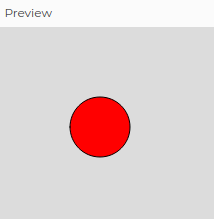
In the challenge Ça va bien aller, we saw how to draw circles in different sizes and colors in p5.js, so we can use the function circle() to draw a red balloon. It won't be a very realistic balloon, but it's a start!

Where should we use the function circle() in our code? In the function setup()? In the function draw()?

In the function draw(), since the coordinates of our balloon will change during the execution of the program.

Your code could be something like this:


                  //...
                  function draw() {
                  background(220);

                  fill("red");
                  circle(100, 100, 60);
                }
              

For the string of your balloon, look in the documentation of p5.js a function that could draw a line.

The key word is line...

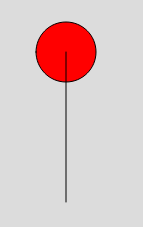
If you choose the same coordinates for the origin point of your line as you did for the circle, it will result in something funky:

line(100 , 100, 100, 250);

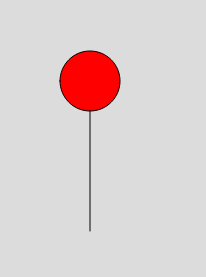
You want the line to start where the red circle ends. You must therefore "lower" the line, that is to say change its position on the axis of y.

We are now going to move our ball everywhere on our canvas.

The new position of the ball will be determined at random by the computer. Do you remember the function that allowed us to randomly choose an adjective, in the challenge: En 2020, je serai...?

It was the function random(). You can also use this function to choose a random number. If I want a random number between 0 and 400 (because my canvas is 400 pixels tall), I can code this: random(0,400)

Instead of giving our balloon the same X position (100) all the time, we can now choose an X position at random: circle(random(0, 400), 100, 60);

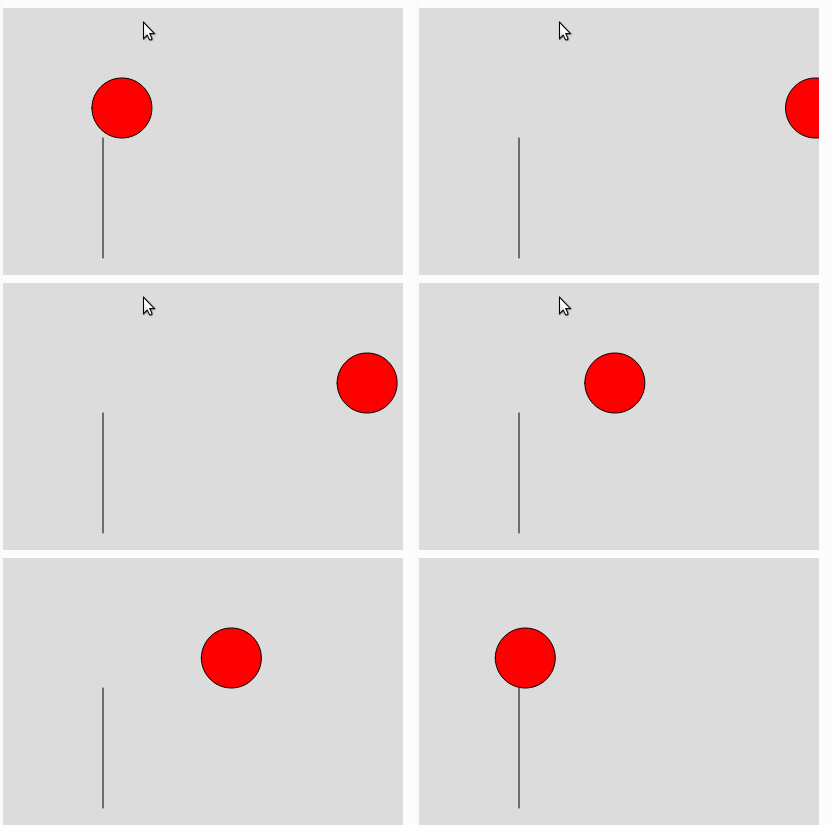
The result is very spooky:

Two problems:

  1. The balloon's string does not move
  2. The balloon moves far too quickly

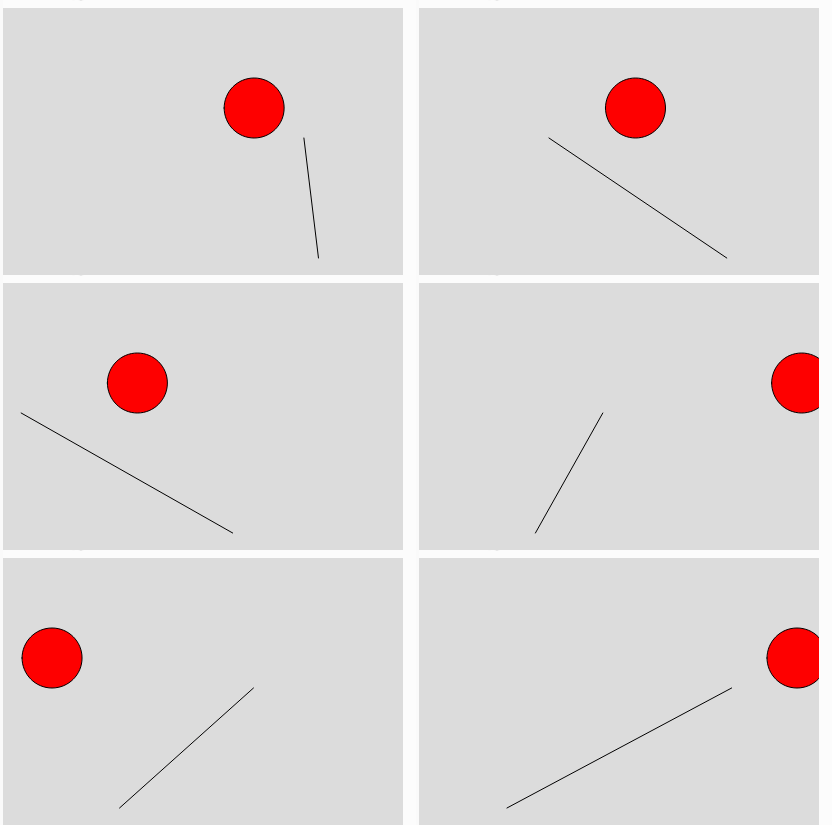
Let's start with the rod. Its position on the x axis must follow that of the ball. That said, if we write the following code, it doesn't quite work:


            line(random(0, 400) , 130, random(0, 400), 250);
          

The string does move randomly, but it does not stay below the balloon! In fact, the computer chooses a first X value for the balloon (for example 150). Then it chooses again a value at random for the value for X from the top of the string (248, for example). And finally, the computer still randomly chooses a third X value for the bottom of the string (5, for example).

If you want the string to be vertical, the value of X for the top and bottom of the string must be the same. This code works:

line(100, 100, 100, 250);

but not this one:

line(248, 100, 5, 250);

Solution?

The computer must choose only one position for X and remember it in order to reuse it. And when someone says "remember" in programming, they say...

VARIABLES!

We will store the value for X in a variable and re-use it:


            let positionX = random(0, 400);
            circle(positionX, 100, 60);
            line(positionX, 130, positionX, 250);
          

YESS! The string follows the balloon! 💪

Inspire yourself from step 9 in the challenge of the predictions to slow down the balloon.

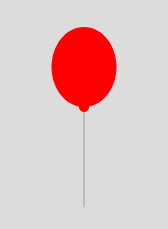
Our basic code works, so we can have fun making it more sophisticated. What would be nice is to work on the appearance of the circle so that it has a more realistic balloon shape.

Instead of using a circle, you can use an ellipse. Consult the documentation of p5.js to draw ellipses.

The idea is to use two ellipses: one for the balloon itself, and the other (much smaller) for its knot.

Some ways to help you:

  • To remove the black outline of the ball, you must use the function noStroke()
  • If you use the function noStroke() your string will probably disappear. You can bring back the string with the function stroke()
  • To move the balloon vertically, you will also have to give a random value to the Y position of the ball. You will probably need a second variable for this.

How can we make the balloon change randomly between three colors (red, blue and green, for example)?